
Create daily log files of IP address blocks
You can enable a detailed log of all blocking actions. Follow these steps on your Windows server.
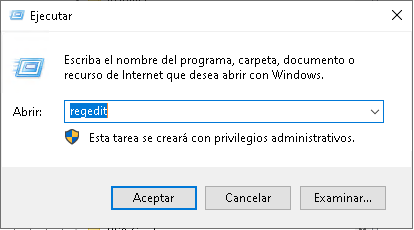
Connect via Remote Desktop (RDP). Press Win + R, type regedit, and press Enter.
Create the string named "Log.BlockActions" and set its content to the number 1. To disable it, set it to 0

Where are the files?
In the "logs" folder at the installation path
You can use the direct method from the CMD console:
REG ADD "HKLM\SOFTWARE\Wow6432Node\FlexFirewall" /f /v "Log.BlockActions" /t REG_SZ /d "1"
Done. Once the file is saved, the setting will take effect within the next 2 minutes.