
Completely disable the IIS Module for all domains.
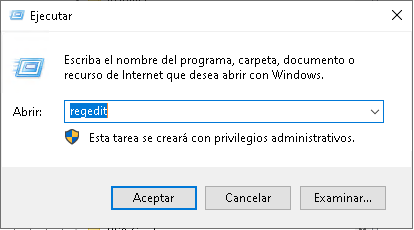
Connect via Remote Desktop (RDP). Press Win + R, type regedit, and press Enter.
Create the string named "DisableModule" and set its content to the number 1. To revert it, set it to 0
Connect via Remote Desktop (RDP)
Press Win + R, type cmd, and press Enter.
REG ADD "HKLM\SOFTWARE\Wow6432Node\FlexFirewall" /f /v "DisableModule" /t REG_SZ /d "1"